
How to Search Calhoun County Traffic Court Records
The clearest public tool for traffic matters is the state ePAY ticket and case portal. It is not a full case-file database. It is a search and payment tool for traffic tickets and some payable court items, and it pulls from the same court system the county uses. You can open the Michigan ePAY citation search and select Calhoun County to see whether a ticket is on file. The county also explains the case types and response choices on its traffic and ordinance violations page.
Have a few details ready before you start. A citation number is the fastest way in. If you do not have it, a last name paired with a date of birth will work, and so will a driver license number or a license plate number. If the ticket is brand new, it may take a few days to post, and the portal will tell you to contact the court when a ticket is not listed.
- Open the ePAY search page and choose Calhoun County from the county list.
- Pick the matching court, then enter a citation or case number, or a name.
- Add a date of birth, license number, or plate number to narrow the result.
- Review the ticket details, the violation, and the amount due.
- Pay the balance, or contact the court to contest or request a copy.
Note: A ticket that does not appear in ePAY is not proof the case is closed, so call the court to confirm status before you assume it is paid.
Which Courts Handle Traffic Cases in Calhoun County
Traffic work in Calhoun County is district court work, not circuit court work. The 10th District Court runs the traffic division, and it hears civil infractions or tickets, misdemeanor traffic offenses, and city ordinance violations. The circuit court and probate court sit in the same Justice Center, but they do not handle everyday traffic tickets. That is why the county builds a separate traffic pay path rather than routing drivers into the general case search.
The district court is the first court most drivers touch. It sets court dates, takes pleas, records dispositions, and collects fines. Felony cases can begin in district court and then move up, but a routine ticket stays at the district level from start to finish.
| Court | Traffic Cases Handled | Address |
|---|---|---|
| 10th District Court | Civil infractions, misdemeanor traffic, city ordinance violations | 161 E. Michigan Ave., Battle Creek, MI 49014 |
| 37th Circuit Court | Felony matters after bindover from district court | 161 E. Michigan Ave., Battle Creek, MI 49014-4066 |
| Traffic Division line | Ticket questions, phone payments, case status | 269-969-6692 |
Types of Traffic Cases on Record
The county groups traffic and ordinance matters into three broad buckets, and the label controls how you can respond. Some are not criminal at all. Others can trigger an arrest. The record shows which type a ticket is, and that shapes the plea choices, the fine, and the driving-record impact.
- Civil infractions - noncriminal tickets that can be admitted, explained, or denied.
- Misdemeanor traffic offenses - criminal charges that can lead to arrest and a court appearance.
- City ordinance violations - local rule breaks charged under a city code.
- Parking violations - non-moving tickets that do not carry the state costs and assessments.
- Commercial vehicle citations - tickets tied to a commercial driver license and its stricter rules.
Each fine, other than parking, includes a penal fine plus municipal and state costs and mandatory state assessments. Parking violations skip the state costs and assessments, which is why they usually cost less than a moving ticket.
What Calhoun County Traffic Court Records Show
A traffic court record is a slice of the case file, not a single page. The ePAY result view shows the fields a driver actually needs to identify a ticket and settle it. The court still owns the full underlying file, and the clerk can pull the rest on request. The table below lists the fields the citation search returns.
| Field | What It Shows |
|---|---|
| Ticket Number | The citation identifier used to find and pay the case. |
| Name | The person the ticket was issued to. |
| Plate & State | The vehicle plate and the state that issued it. |
| Issue Date | The date the officer wrote the citation. |
| Violation | The charge text or ordinance cited. |
| Amount | The balance due on the ticket. |
The full district court file can also carry a case number, the court date, the plea, and the final disposition. Points are not printed by the court as a judgment call, so the ticket text and the state driver record tell the fuller story together.
Searching by Citation Number vs by Name
A citation number returns one exact ticket, which makes it the cleanest way to search. A name search can return several matches when the name is common, so a date of birth, a license number, or a plate number helps the portal land on the right person. The ePAY search accepts more than one combination, and picking the right court in Calhoun County first cuts down on false hits.
| Search Field | Type | Required | Notes / Format |
|---|---|---|---|
| County | Dropdown | Yes | Select Calhoun County first. |
| Court | Dropdown | Yes | Choose the matching court before searching. |
| Last Name | Text | Yes | Used in name-based searches. |
| Ticket / Case # | Text | Yes for one mode | Ticket or case number. |
| Date of Birth | Date | Yes for DOB mode | Month, day, year. |
| Driver Lic # | Text | Yes for license search | Paired with a state selector. |
| State | Dropdown | Yes for license and plate searches | U.S. state list. |
| License Plate # | Text | Yes for plate search | Paired with a state selector. |
Paying or Contesting a Calhoun County Traffic Ticket
The county gives drivers three official ways to respond to a traffic or ordinance ticket, and the choice depends on whether the charge is a civil infraction or a misdemeanor. You can find the full breakdown on the county traffic and ordinance page. Accepted payment methods include personal check, certified check, money order, cash, and online. Do not mail cash.
The image below leads to the county page that explains the response options for a citation. It walks through what admitting, explaining, or denying a ticket actually means.
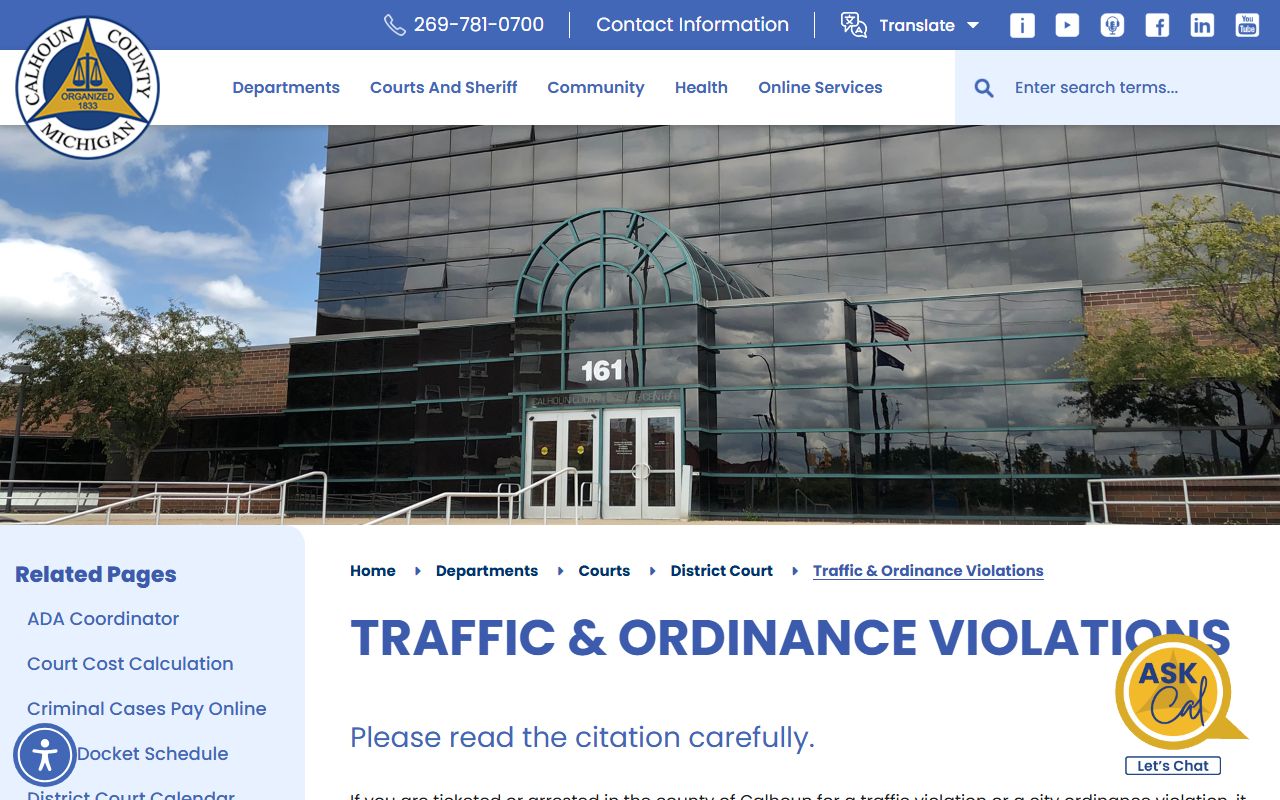
The county lays out the paths plainly, so a driver can pick a lane without guessing. The steps below track those choices from ticket to resolution.
- Read the ticket to confirm whether it is a civil infraction, a misdemeanor, or an ordinance violation.
- To admit responsibility, appear in person, respond by mail or by a representative, or plead guilty and pay.
- To admit with an explanation, use that option for civil infractions only and ask for an informal hearing.
- To deny responsibility on a civil infraction, or plead not guilty on a misdemeanor, request a hearing date.
- If the violation is not on the county fee list, expect a possible mandatory court appearance.
Paying a Calhoun County Traffic Ticket Online
The county online-payment page gives the most precise timing rules, and they hinge on how many business days have passed since you got the ticket. Allow four business days from receipt before the ticket posts. The traffic ticket pay-online page spells out each step, and the image below opens that same workflow.
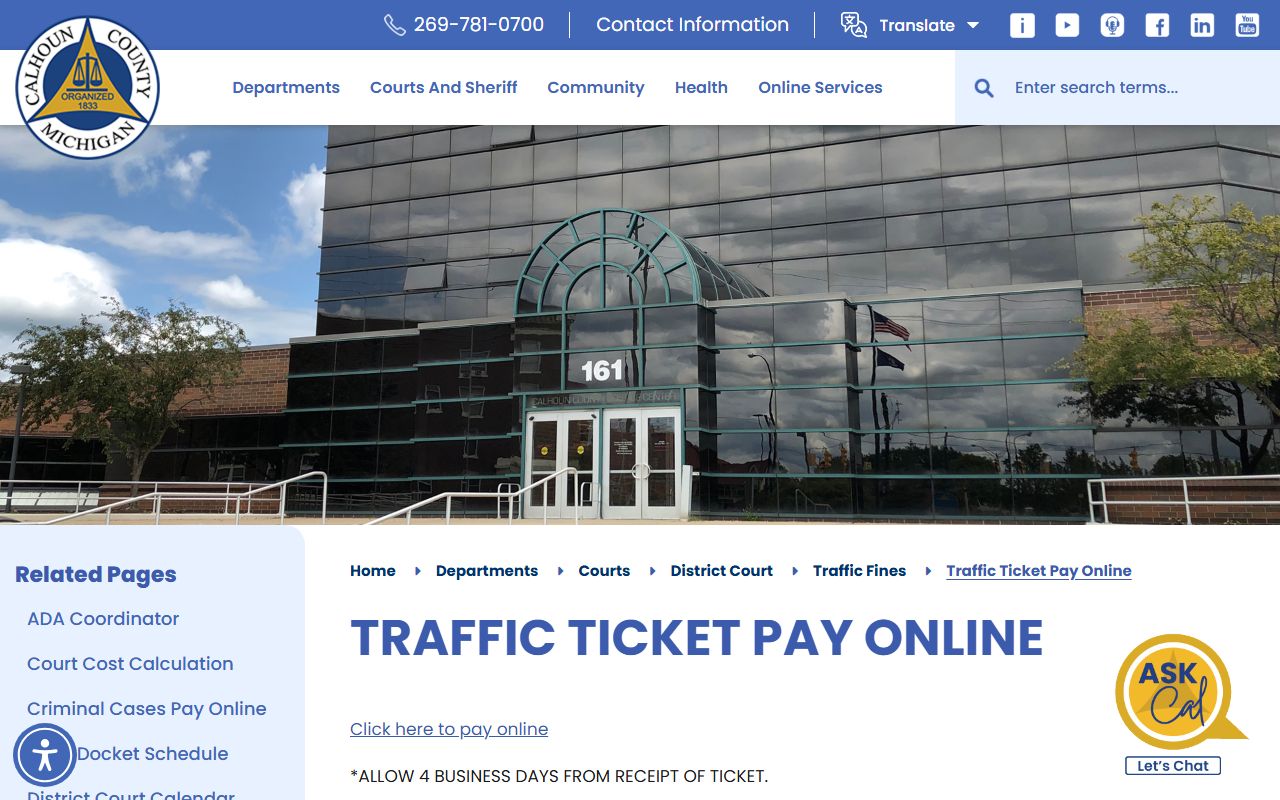
If payment falls between four and ten business days after receipt and the violation is on the county motor-vehicle violation fee list, you can pay online using location code 1843. After ten business days, or when the violation is not on the list, you must call the Traffic Division at 269-969-6692. Have the defendant name exactly as written on the ticket, the amount due, the case number, the charge or violation, and the date of birth. The payment is processed right away and receipted the next business day.
The fee list controls whether an online payment is even allowed, so it is worth a look before you pay. The image below links the county motor-vehicle violation fee list.
You can open the motor-vehicle violation fee list to check the set amount for a common violation. Fines and payment instructions also appear on the county traffic fines page.
Points, Suspension, and Out-of-State Drivers
Points are not set by the judge or the officer. They come from state law and Secretary of State action, and they attach to the driving record after a conviction, not to the court ticket itself. That is one reason the court file and the state record read differently. A paid ticket closes the court case, but the point count lives on the state side.
Out-of-state drivers get a special rule. A driver who posted a cash bond, a driver license, or a bond card still must contact the court within 14 days to say how they want to plead. Skipping that step can suspend Michigan driving privileges, and the Secretary of State notifies the driver's home state. Michigan license holders face suspension for the same failure to answer.
Note: Because points and suspensions post to the state record, check both the court file and the state driving record when a ticket affects a license.
Court Traffic Records vs State Driver Records
These are two separate files, and mixing them up is the most common mistake drivers make. The court traffic record is the case file the district court keeps for a citation. The state driver record is the driving history the Secretary of State maintains. One answers what happened with the ticket. The other answers what your license looks like now.
The image below leads to the Secretary of State driving-record page, which is where the state file lives. It is the place to check license status, convictions, and points.
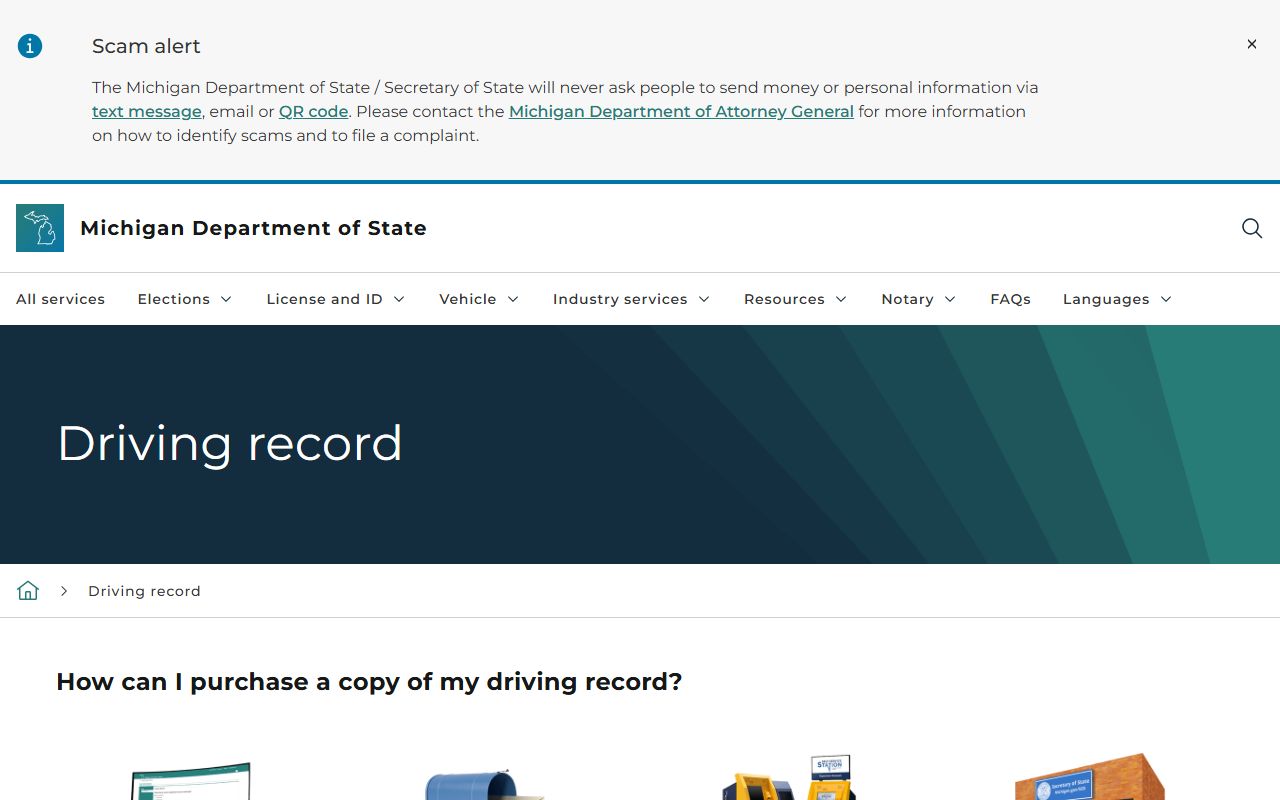
Reviewing both files gives the full picture, since an error in one does not fix itself in the other. The comparison below shows how the two records line up.
| Comparison Point | Court Traffic Record | State Driver Record |
|---|---|---|
| Record source | Calhoun County district court | Michigan Secretary of State |
| What it shows | Citation, charge text, court date, fine, disposition | Driving history, convictions, suspensions, points, license status |
| Where to access | County pay pages and the ePAY citation search | SOS driving record page |
| How to correct errors | Contact the district court Traffic Division or clerk | Request a correction through the Secretary of State |
Public Access Laws for Calhoun County Traffic Records
Michigan gives readers three access routes: the Freedom of Information Act for county-office records, court rules for court files, and a few targeted confidentiality statutes. Traffic files are court records, so court-access rules govern them first, and FOIA covers the county-office material around them. Set-aside and sealed convictions are handled separately, and an eligible traffic-related conviction may be limited from public view once a petition succeeds.
Key Statutes:
Michigan Code § 15.231 - the state FOIA starts from a presumption that public records are open unless an exemption applies.
Michigan Code § 15.233 - a requester may inspect or copy a public record unless another law blocks it.
Michigan Code § 780.621 - eligible convictions can be set aside through a petition process.
Most set-aside and expungement work applies to criminal convictions rather than plain civil infractions, and a civil-infraction ticket is not a criminal conviction. To confirm whether a record has been set aside, the county points readers to a Michigan State Police records check, an ICHAT name search, or the court of conviction. For everyday tickets, the practical path is to use the county pay pages first, then contact the district court for anything the portal does not show. General court records are covered on the Calhoun County court records page.
DUI Traffic Cases in Calhoun County
Impaired-driving cases are not routine tickets. Operating while intoxicated and similar charges are criminal matters, so they follow the criminal case path rather than the civil-infraction pay path. They can carry arrest, jail exposure, and a longer court process. A driver facing one of these charges should treat it as a criminal case from the start.
Calhoun County also runs a Sobriety Court on the district court side. It is led by Hon. Jason C. Bomia and works as a court-supervised treatment program for misdemeanor alcohol and drug driving offenses. The four-phase program mixes education, treatment, and strict supervision, and it is aimed at county residents with a qualifying record. For the full case file, charges, and disposition, see the Calhoun County criminal court records page.
CDL and Commercial Driver Records
Commercial license holders should treat any citation with extra care. A conviction on a commercial driver posts to the state driving record that employers and federal systems review, and the stakes are higher than they are for a standard license. The county response options still apply, but the driving-record impact can reach a livelihood.
Because points and convictions land on the Secretary of State file, a commercial driver should confirm status through the state driving record after any traffic case closes. The court file and the state record must both be right, since a clean court disposition does not automatically clear the state side.
Fees for Calhoun County Traffic Record Copies
Copies of a court file carry a per-page charge, and a certified copy adds a certification fee on top. When you do not have the case number, the clerk can run a name search for a set fee. Older files that sit on microfilm carry their own lookup fee. The state driving record is ordered separately from the Secretary of State, not from the county.
The image below opens the county traffic fines page, which sets out payment rules and how each fine is built. It is the county's plain-language guide to what a ticket costs.
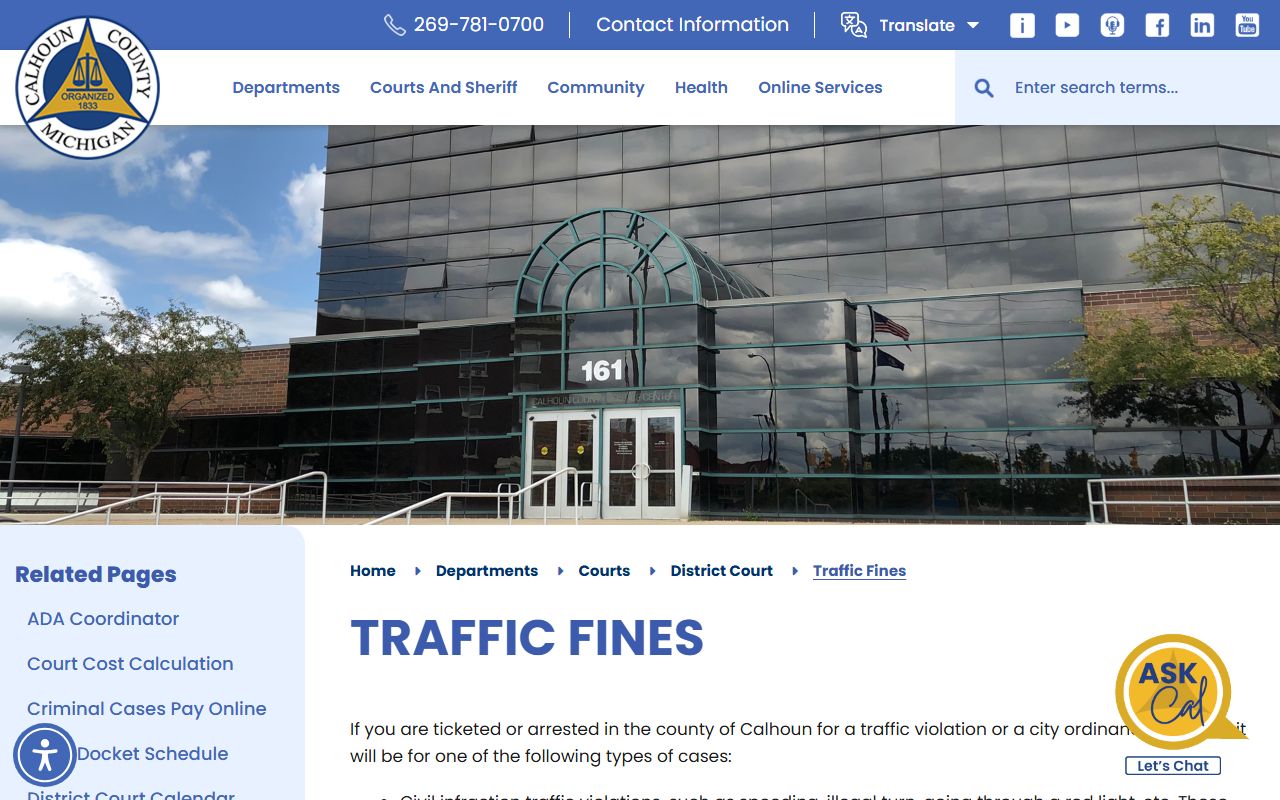
The county page confirms that each fine, other than parking, bundles a penal fine with municipal and state costs and mandatory assessments. The copy and search fees below come from the clerk's records pricing.
| Item | Amount |
|---|---|
| Copy per page | $1.00 |
| Certification fee (per document) | $10.00 |
| Case-search fee (per name, no case number) | $5.00 |
| Archival name lookup (1948-1983 microfilm) | $10.00 |
| State driving record | Ordered from the Michigan Secretary of State |